Downlaond the Quick Start Package

  • Download the Quick_Start Package
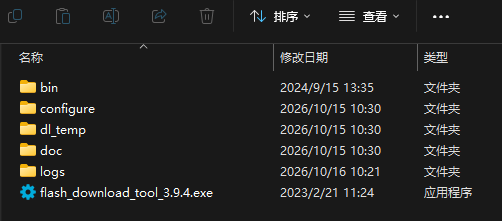
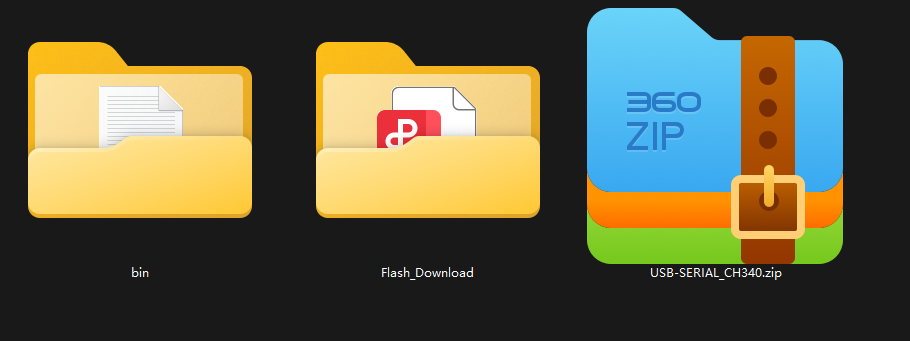
  • After Downloading the Package, unzip it, the contents of the data package are as follows
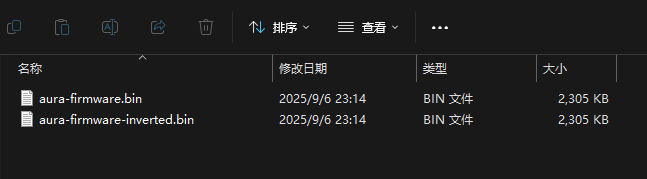
  • The bin folder contains the bin file to be burned.
  • The Flash_Download folder contains flash download tools.
  • USB-SERIAL_CH340. zip is the USB to serial port driver of the computer.

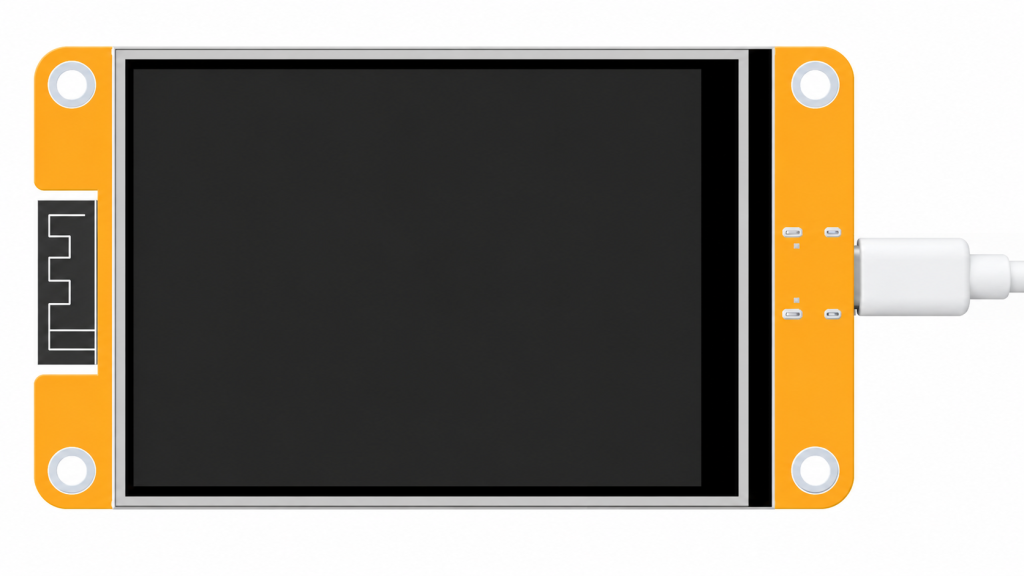
Power on the product

Install the USB Serial Port Driver​

  • Download the“USB-SERIAL_CH340.zip”package
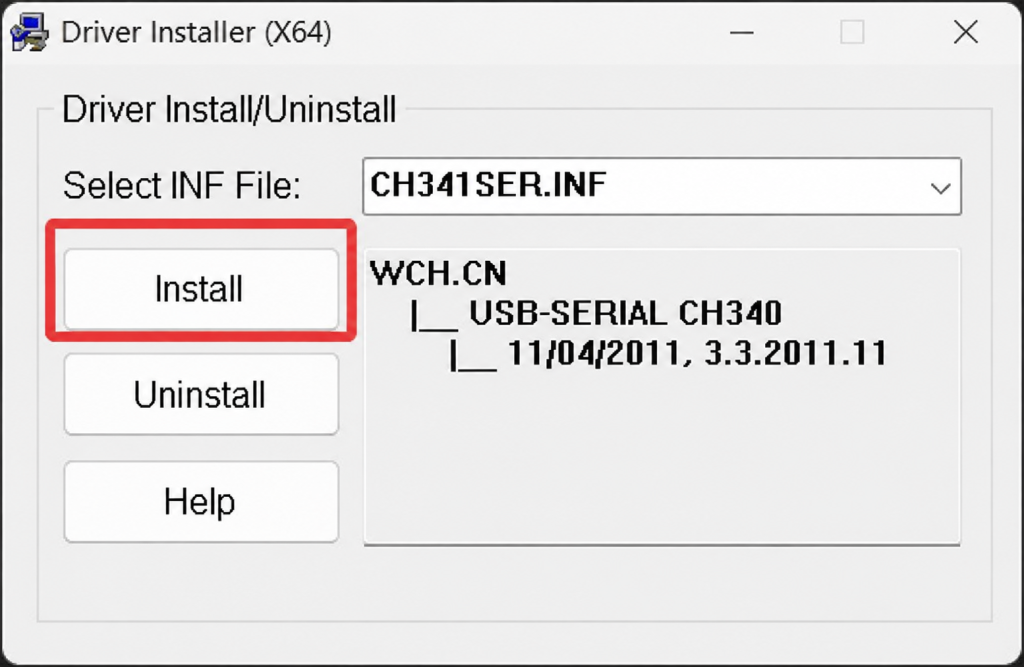
  • After decompression, go to the folder, double-click the “CH341SER.EXE” executable program, an installation window will pop up, and then click the “Install” button to continue the installation.
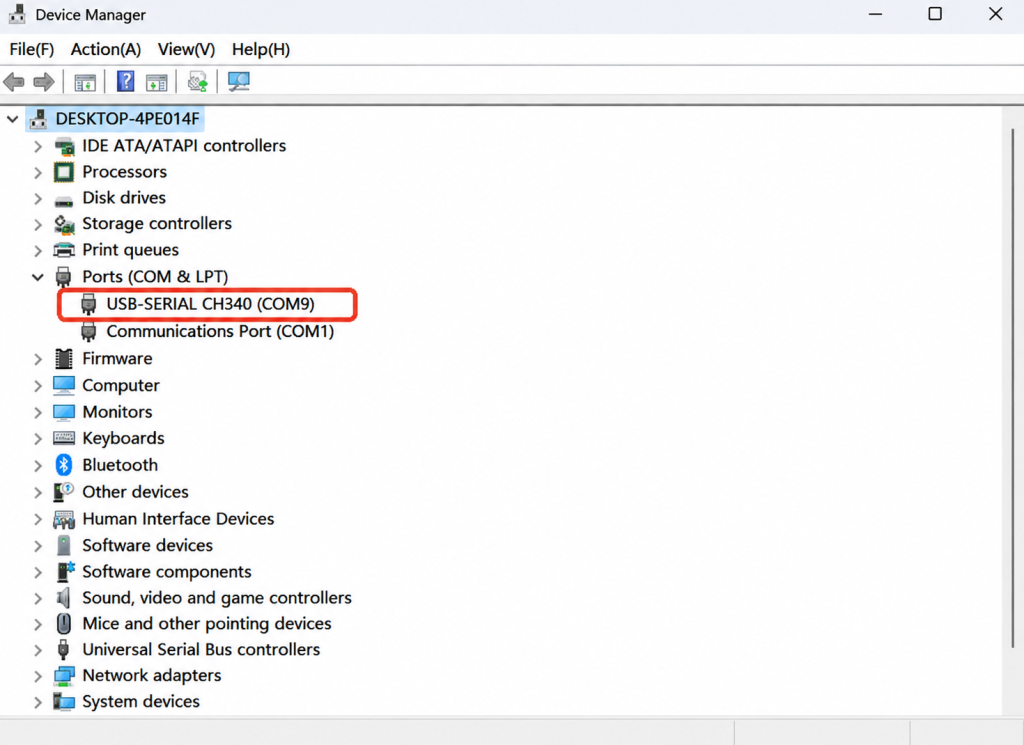
  • After the installation is successful, click the “OK” button in the window to exit. Connect the computer USB to the development board and power it on, then enter the computer’s Device Manager, and you can see that the CH340 port is recognized under Ports.
Burn the bin File

  • Locate the Flash_Download folder in the downloaded Quick Use kit, decompress it, find the flash_download_tool folder, open the folder, and double-click the exe executable file of flash_download_tool.
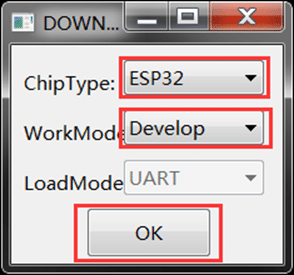
  • After opening the Flash download tool, select “ESP32” for ChipType, select “Develop” for WorkMode, keep LoadMode as default (UART), and then click the “OK” button.

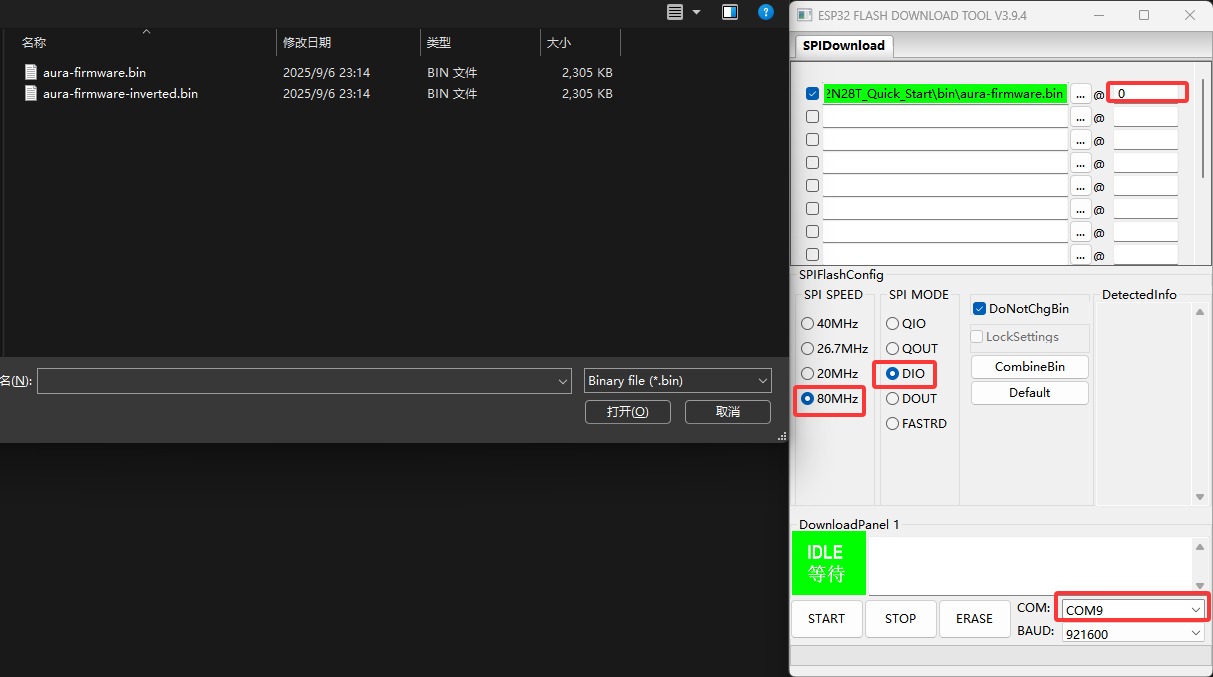
  • Enter the Flash download tool interface, and first select the bin file to be burned.

  • Click the button with three dots in the middle to select the bin file in the above steps. After the selection, check the box in the front and set the burning address to “0”.
  • Set SPI SPEED to “80MHz“, SPI MODE to “DIO“, and keep other Settings default

Run the program

After the bin file is burned, press the reset button of the product or power on the product again, and you can see the running effect of the program.